 Shuttle Music
Your music. Your server. Your rules.
A music player for the FLAC, MP3 and more on your phone, and for your own Jellyfin, Emby, Plex or Navidrome library. No ads, and no account with us.
 Coming soon to the App Store
Free to download · Pro adds streaming from your server, with a free trial first
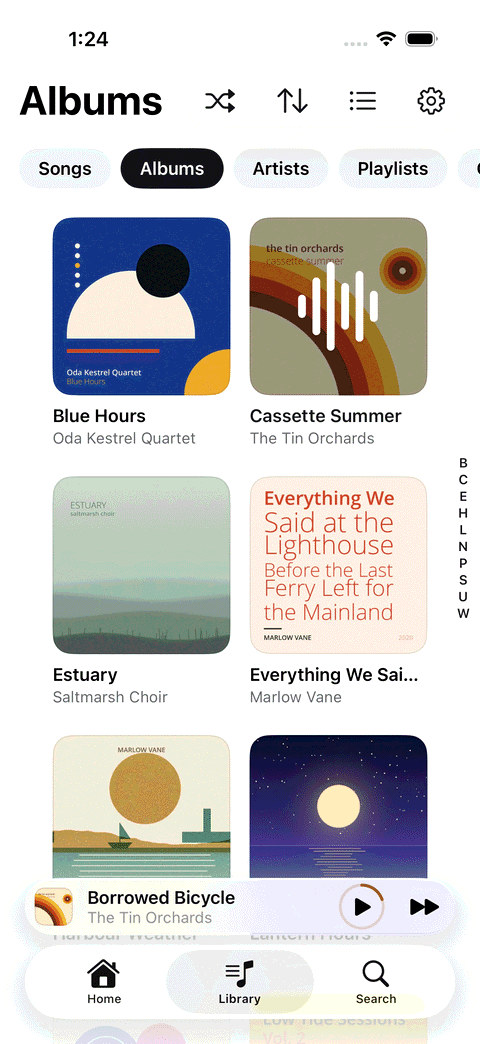
One player to rule them all.
Shuttle Music doesn't sell music or stream a catalogue of its own. It plays yours: the files on your phone and the media server you run at home or in the cloud, side by side.
Your phone
FLAC, MP3, AAC, Ogg, Opus and WAV, plus ALAC and AIFF on iPhone. Free, no server needed.
Jellyfin
Your server address and login, or Quick Connect.
Emby
Your server address and Emby login.
Plex
Sign in with plex.tv, then pick your server and library.
Navidrome
And other Subsonic servers, with a password or an API key.
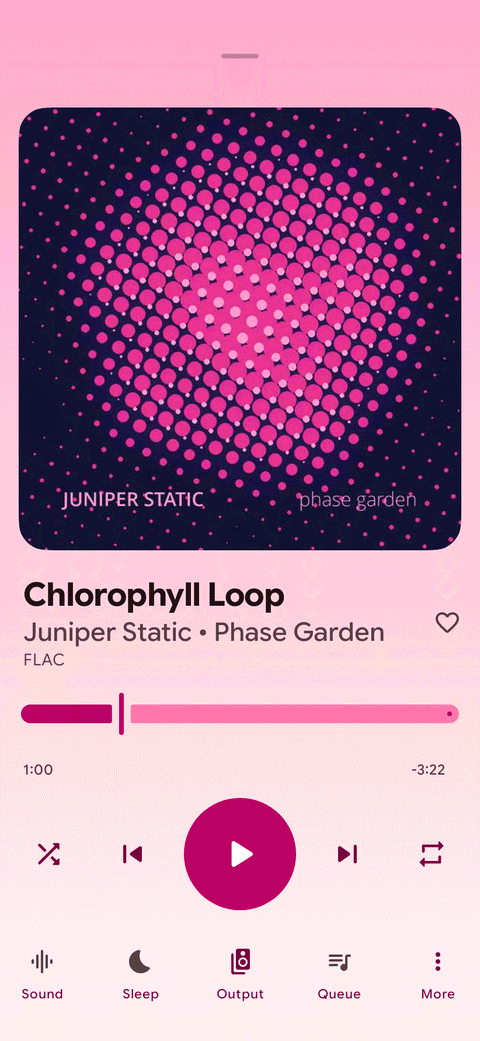
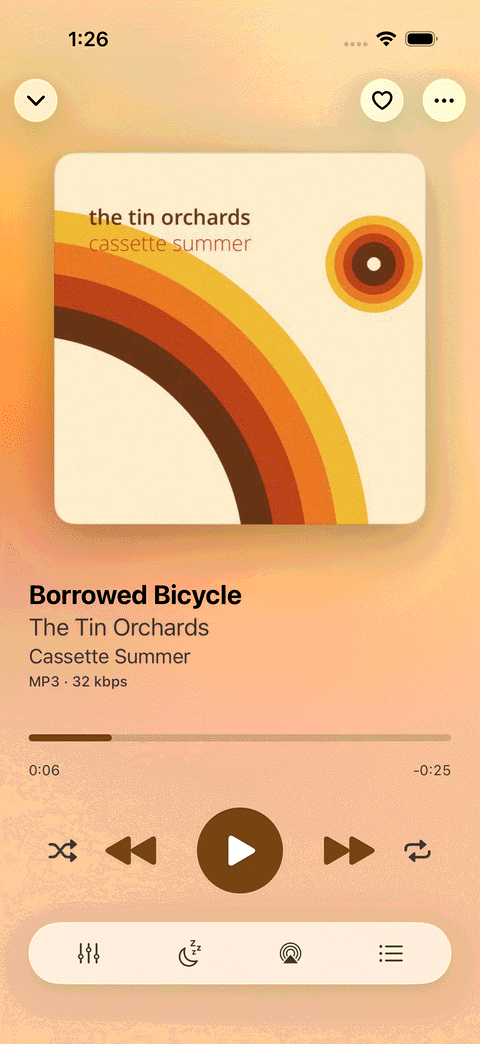
Dressed by the album art.
The player takes its colours from the cover, in light or dark, so every album looks like itself.
- The format and quality of what's playing, at a glance
- Sleep timer and playback speed, a tap away
- Home-screen widgets and lock-screen controls
The queue does what you tell it.
Line up what's next, change your mind, and pick up where you left off.
- Play next or add to the queue, then drag to reorder
- Gapless playback, so live albums and mixes flow without a break
- Your queue, shuffle and place are still there when you come back
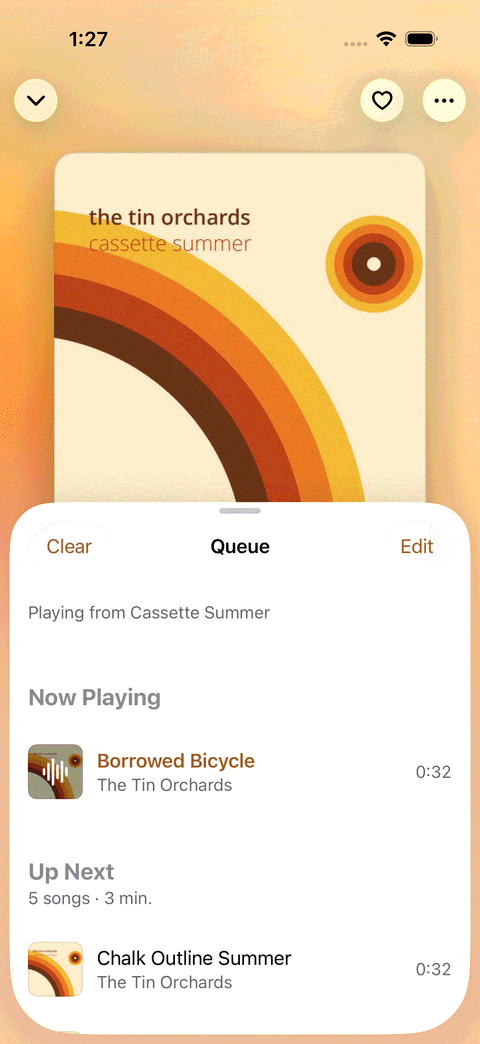
Sound, tuned to taste.
Shape the sound once for every album, and keep the volume steady between records mastered loud and quiet.
- A 10-band equalizer with presets, or your own curve
- ReplayGain by track or by album, with a preamp
- On Android: crossfade up to 12 seconds, and USB DAC output at each song's own sample rate (Android 14 and later)
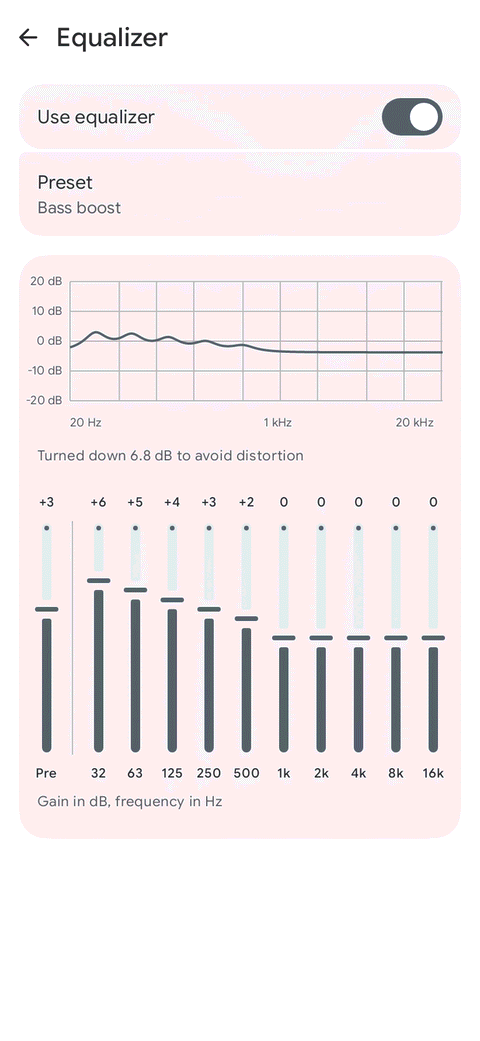
The nerdy bits.
Everything below works on both Android and iPhone, except where it's marked.
- Formats
- FLAC, MP3, AAC/M4A, Ogg Vorbis, Opus, WAV; ALAC and AIFF iPhone
- Servers
- Jellyfin, Emby, Plex, Navidrome and Subsonic
- Gapless
- Yes
- Streaming quality
- Original, 320, 192 or 128 kbps, set separately for Wi-Fi and mobile data
- ReplayGain
- Track or album, with preamp
- Offline
- Download from your server, Wi-Fi only if you like
- Equalizer
- 10 bands, 6 presets
- In the car
- Android Auto Android CarPlay iPhone
- Crossfade
- Up to 12 s Android
- Casting
- Chromecast Android AirPlay iPhone
- USB DAC
- Direct output, Android 14+ Android
- Widgets
- Home screen; Lock Screen iPhone
- Sleep timer, speed
- Yes
- Tag editing
- Edit many songs at once Android
- Playlists
- Create and edit; M3U import and export Android
- Account with us
- None
Fluent in Android and iPhone.
Not one app squeezed onto two phones: each is built with its own platform's tools, and looks like it belongs there.
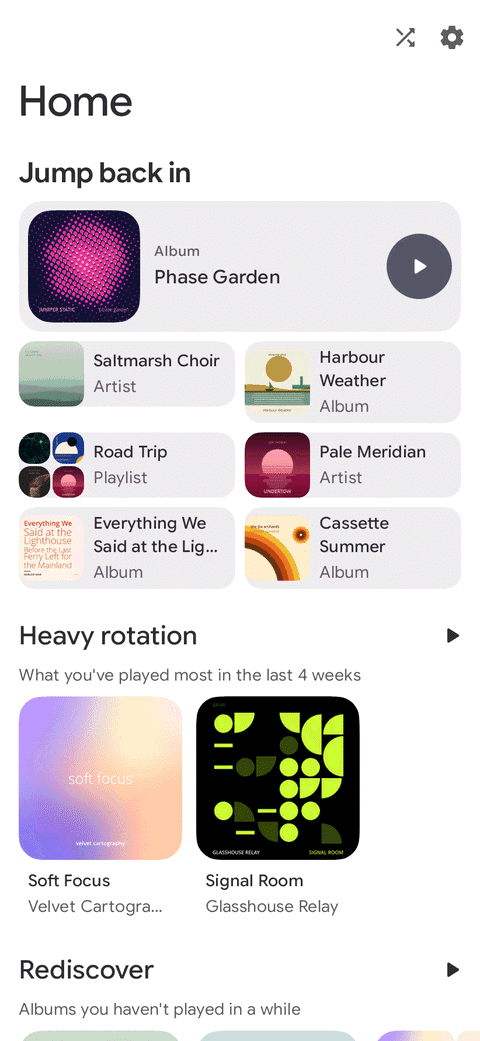
Android: Material 3, coloured by your artwork
Dynamic colour, Android Auto, Chromecast and a home-screen widget, with batch tag editing for the files on your phone.
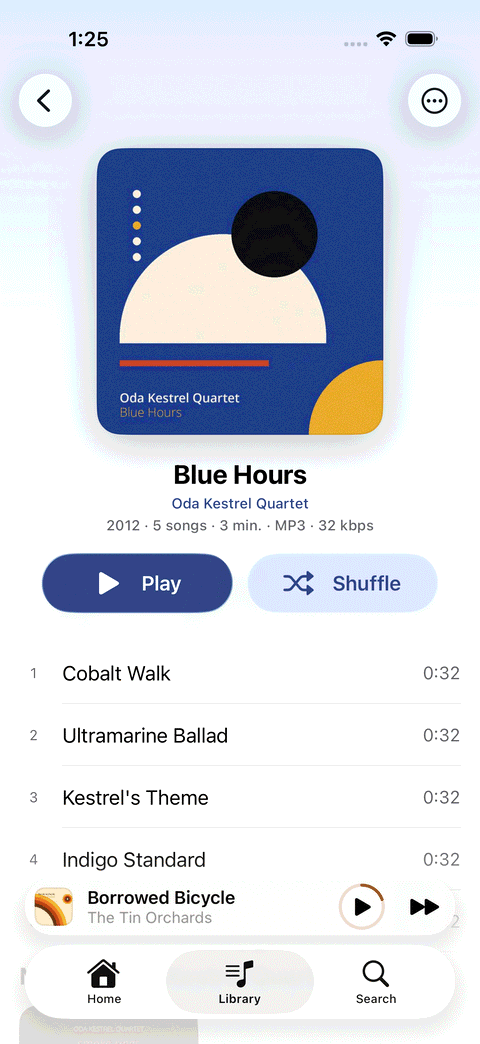
iPhone and iPad: native SwiftUI, with Liquid Glass
Liquid Glass on iOS 26, CarPlay, AirPlay and Lock Screen widgets. Add music with the Files app or Finder, or pick a folder you already have.
Free to play. Pro to stream.
Everything for the music on your phone is free, with no ads. Pro is for streaming from your server.
- Stream your Jellyfin, Emby, Plex and Navidrome libraries
- Download albums from your server for offline listening
- Choose the streaming quality for Wi-Fi and for mobile data
- Your phone's music and your server's, side by side
- Buy once and keep it. Android also offers a yearly plan.
Try it free first: the trial starts the first time you play from a server, and lasts 14 days on Android and 7 days on iPhone and iPad. Purchases go through Google Play or the App Store.
Before you ask.
Does Shuttle Music come with music?
No. It plays your own audio files, or music from a Jellyfin, Emby, Plex or Navidrome server that you run or have access to. It isn't a streaming service.
What's free, and what needs Pro?
Playing the music stored on your phone is free, with every feature. Pro adds streaming and downloads from your own server, and you can try it free for 14 days on Android or 7 days on iPhone and iPad.
Does the app collect data?
Only anonymous crash reports and usage statistics, which aren't linked to you, and you can turn each off in Settings. Your server login stays on your device. The privacy policy has the details.
Is this the original Shuttle Music Player?
Shuttle Music is a separate app from the original Shuttle Music Player, with its own Google Play listing.
Press play on your own library.
Free to download. No ads, and no account with us.
Coming soon to the App Store